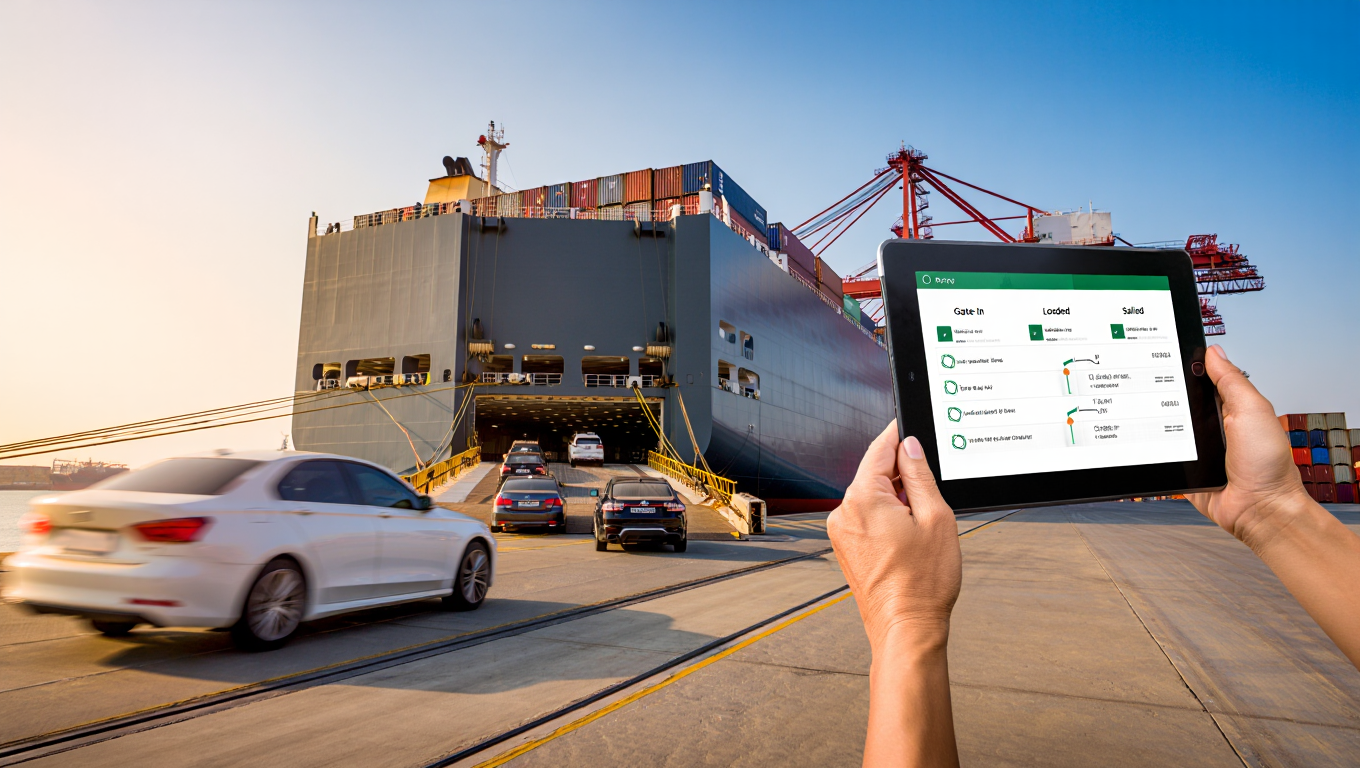
Why tracking at RoRo is more than just „ship on map“
RoRo (roll-on/roll-off) is a fast and robust shipping method for roadworthy vehicles. Nevertheless, many customers find the transport process unclear – especially when status information is scattered across emails, portals and PDF notifications. A structured RoRo tracking system brings order to this diversity of data and provides a clear timeline:
- Milestone transparency: Know where your vehicle is at all times – and what will happen next.
- Proactive management: Early detection of deviations, e.g. in ETD, to adjust lead times and follow-up times.
- Clean handovers: Consistent data (VIN, dimensions, booking number) facilitates claims and final collection.
Helpful for planning:
Timetables and What do I need to bear in mind for a RoRo shipment?
The three pillars of tracking: EDI events, ship AIS and document status
1) EDI/portal events
Carriers and terminals report standardised events, usually as EDI data or in the booking portal. Important milestones are:
- Booking confirmed
- Doc Cut-off Met
- Gate-In Full (GIF)
- Loaded on Vessel (L/V)
- Sailed/Departed
- Arrived
- Discharged
- Released
Tip: Data such as VIN, dimensions and booking number must match exactly – otherwise there is a risk of queries or status stops.
2) AIS ship position
AIS (Automatic Identification System) provides real-time data on ship positions, which can be accessed via the IMO number or ship name. This allows ETA deviations to be identified at an early stage.
Important: AIS shows the ship – not your vehicle. It does not replace booking events.
Official basis: IMO - CTU Code
3) Document status
Documents also have „events“: for example, draft B/L confirmed, original/telex release completed or customs clearance granted. Collection is not possible without all the necessary documents.
Further information:
What do I need to bear in mind for a RoRo shipment?
Your roro tracking system in 7 steps
- Data consistency: Synchronise VIN, dimensions, weight, recipient data and photo documentation.
- Defining milestones: Which events are relevant to you? Assign responsibilities.
- Enable notifications: Alerts for Gate-In, Sailed, Arrived, Discharged, Release.
- Connecting AIS: Look up and store the IMO number.
- B/L workflow: Clarify whether it is an original or telex release – and when the release will take place.
- Destination port process: Prepare customs documents, plan exemption.
- Managing deviations: Detect ETA drifts via AIS and carrier notifications, provide alternative plan.
Checklist: What information should be included in every shipment file?
Category – Must-have – Nice-to-have
- Identification: Booking number, VIN, recipient – customs IDs, contact person
- Specification: Dimensions, weight, drive type – photos, special superstructures
- Routing: Port of departure/destination, ETA/ETD – alternative ETD, terminal information
- Documents: Invoice, MRN, vehicle documents – certificate of origin, certificates
- Tracking: Gate-in, loaded, sailed, etc., IMO number – notification rules, escalation chain
Milestones in detail: From „gate-in“ to „release“
- Gate-In: Terminal takeover, dimensions fixed
- Loaded onto vessel: Physically loaded, sea transit begins
- Sailed: Ship departed, prepare B/L release
- Arrived: Ship in port of destination – not yet unloaded
- Discharged: Unloading the vehicle – basis for customs clearance
- Released: Terminal releases vehicle
Using AIS smart
Strengths: Live position, course, speed, ETA
Limits: No vehicle tracking, patchy coverage, no status events
Best practice: Always use in combination with EDI events
Common tracking errors – and how to avoid them
- Data inconsistencies: Block events with different VINs or dimensions
- Document blind flight: Without B/L workflow, even the best ETA is useless
- AIS alone: AIS does not replace events
- Not gate-ready: Check fuel level, keys, charge status
- Import agent connected too late: Activate before departure
Notifications that really help
- Gate-In: Sea transport starts, check documentation
- Sailed: Initiate B/L release
- Arrived: Prepare customs clearance
- Discharged: Schedule collection
- Released: Vehicle handed over
Set up your roro tracking system in an hour
- Create shipment file
- Select milestones
- Activate notifications
- Enter ship data (IMO number)
- Clarify B/L process
- Start destination port process
- Document fallback
FAQ: Frequently asked questions about the roro tracking system
How often should I check the status?
With alerts activated, one glance per event is sufficient – additionally, check the AIS ship daily in case of bottlenecks.
Can I track my vehicle via GPS?
Usually not permitted – for safety and liability reasons. Utilise EDI and AIS tracking.
Why does AIS ETA differ from carrier ETA?
AIS ETA is based on speed/course, while carrier ETA is based on port slots – the latter is more relevant.
What to do if there is no gate-in?
Contact the carrier or terminal immediately. VIN, dimensions or photos are often missing.
How much does a good tracking system cost?
Depending on the range of functions and interfaces – an individual quote is required for precise details.
Conclusion: Transparency wins
A good roro tracking system combines milestones, AIS and document status to create a comprehensible timeline. Careful planning reduces delays, lowers costs and improves predictability along the entire transport chain.
To do this, use timetables, keep vehicles gate-ready – and always link AIS with events and document status.
Disclaimer: All information in this article has been carefully researched but is subject to change at any time. ODS Orient accepts no liability for the topicality, accuracy and completeness of the information provided.